Reviews
How to build a review schedule you can actually follow
Choose review mode, set intervals and follow the next step in Revisync.
To organise reviews in Revisync, choose which content needs returns and which mode to use. Not every catalogue item needs a cycle.
Start with the time you actually have
Before choosing intervals, reserve time for reviews in your week. Count hours you can usually keep. Split subjects into tasks small enough for one session: “SQL joins with NULL values” is more specific than “databases”.
Make an initial estimate, then compare it with two or three actual sessions. If a ten-minute review takes twenty minutes, adjust the next day’s workload. A schedule needs room for practice, not just a list of dates.
Example: a three-hour study day
This is an illustrative allocation, not a required formula. Adapt it to your deadline and workload.
| Activity | Time | Intended outcome |
|---|---|---|
| Review previous topics | 30 minutes | Recall without notes, then correct mistakes |
| Study a new topic | 60 minutes | Understand one clearly bounded topic |
| Practice questions | 45 minutes | Identify gaps and record errors |
| Revisit a difficult topic | 30 minutes | Work on a specific unresolved question |
| Breaks and spare time | 15 minutes | Avoid committing every available minute |
If reviews exceed the reserved time, spread the remaining tasks across later days and temporarily reduce new material. Consider the exam date, topic importance and recent mistakes when choosing priorities; age alone does not establish a task’s importance.
Record what the review revealed
Write down the topic, time spent and what you still cannot explain or solve. A review can involve questions, exercises or explaining from memory. Checking the source afterwards helps turn mistakes into the next concrete task.
Evaluate the week against what you actually completed. A workable schedule allows adjustments without requiring you to mark unfinished activities as done.
Use the right starting path
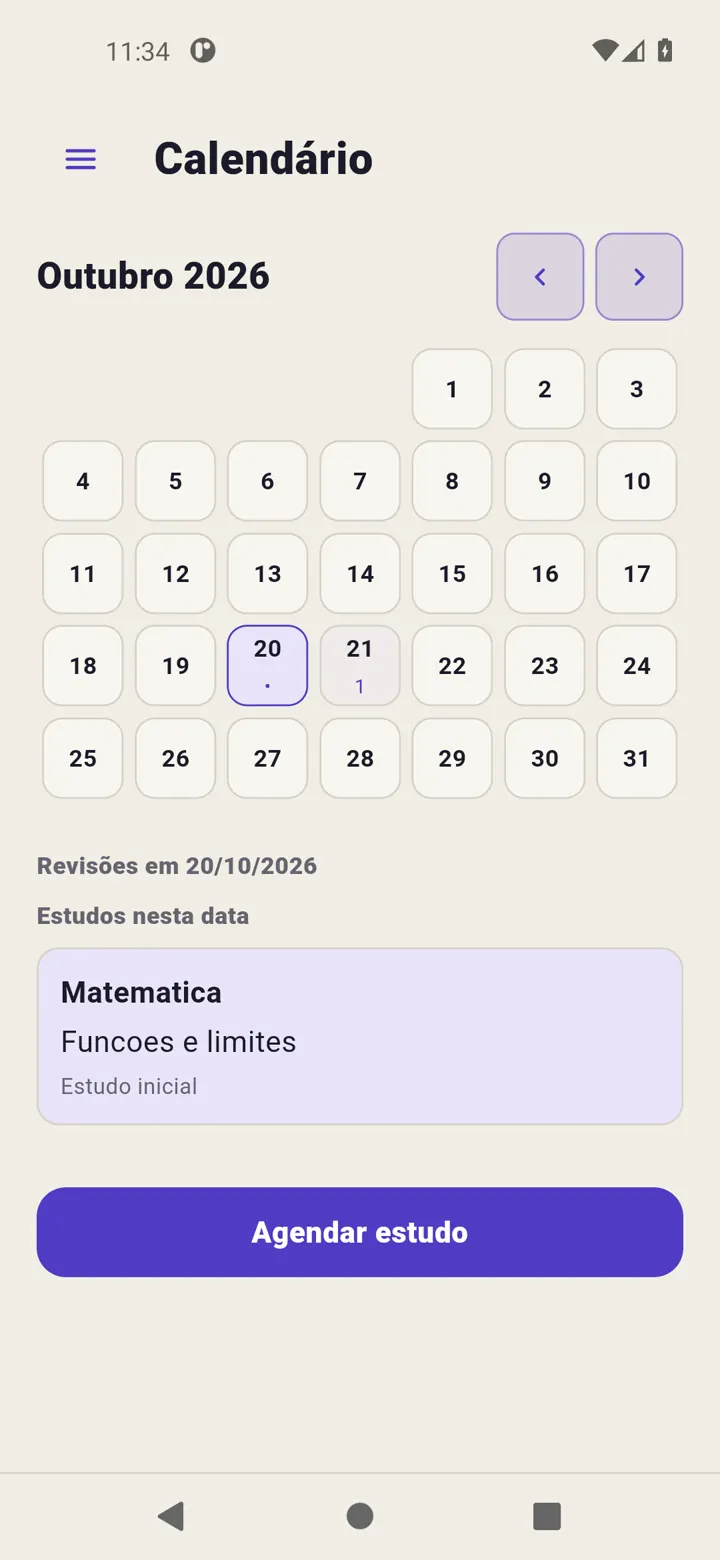
If you studied today, use Today → +, enter subject and content, choose Normal or Long-term, then Record study. To plan instead, use Calendar → Schedule study, choosing date and mode. That scheduled activity’s cycle starts when you mark study as completed.
Check intervals
Open schedule settings. Normal defaults to 1, 7 and 20; Long-term to 1, 3, 7, 21 and 60. Adjust days and save intervals. Changes apply globally to that cycle type, not just the open content.
Follow the next step
Due reviews appear in Today and overdue ones remain identified. Review your material, then use Complete review. Calendar displays each cycle’s next step as you advance.
Adjust workload
Use Reschedule review to change a date. If you will not continue a cycle, use its finish action and read the confirmation. Do not record an unperformed review to clear a pending item.
See Review intervals for date calculation.