Organization
How to organise subjects and study content
Create subjects and content, reuse suggestions and edit your organisation in Revisync.
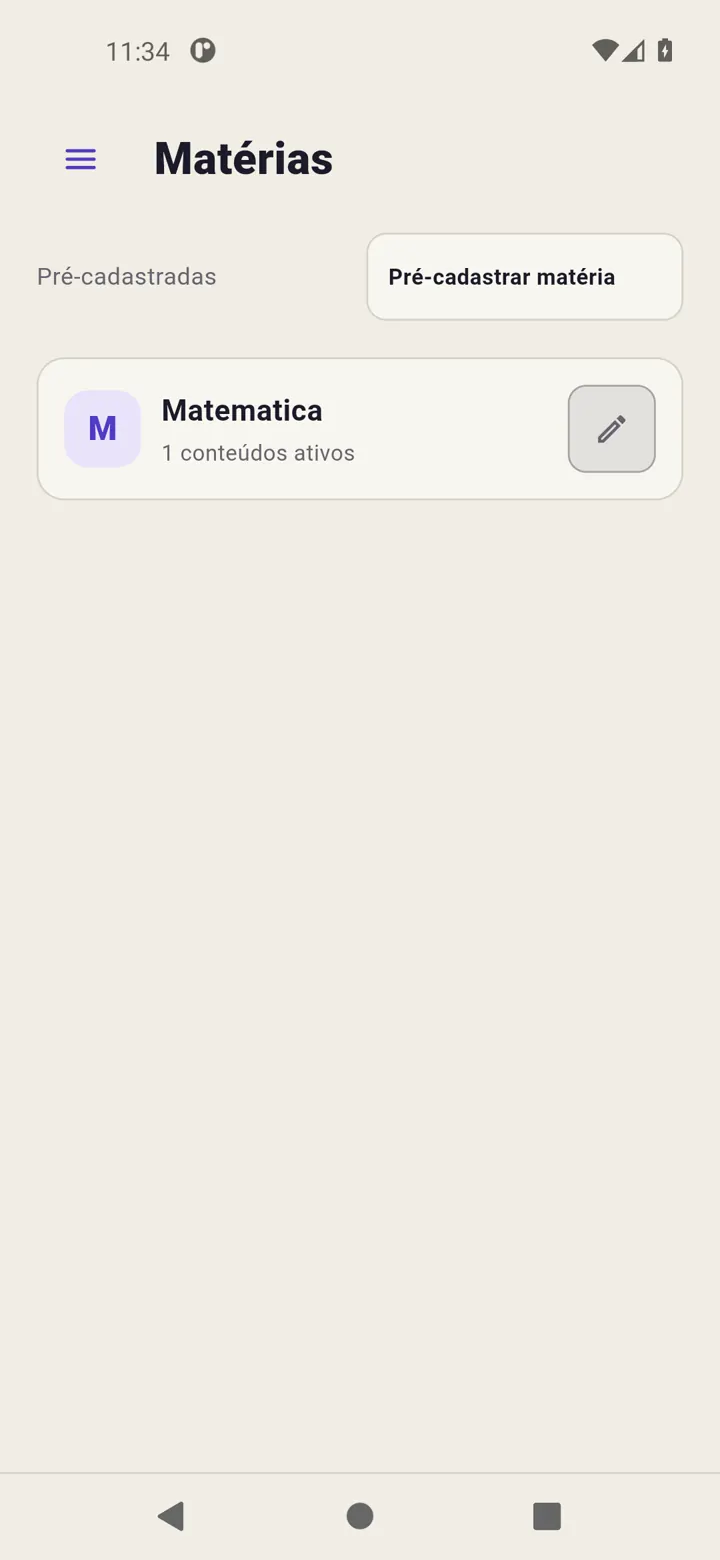
Revisync’s catalogue contains subjects and content. Optional groups bring subjects together. You can prepare this structure before studying without creating pending reviews.
Create a subject
Open Subjects → Pre-register subject, enter a name and save. Group, notes and difficulty are optional.
Add content
Open the subject and use Pre-register content. Fill in Lesson/Content and confirm. The form lets you add more items; close it and check the list when finished.
Pre-registration does not record study, measure time or start reviews.
Reuse the catalogue
In Today → + or Calendar → Schedule study, type and select suggestions to reuse names. You can also create new names in those forms without preparing the whole catalogue first.
Correct the organisation
Use a subject’s or content’s pencil and save edits. For groups, enable grouping in Settings → Features and assign the group in the subject editor.
Read Create a subject and Create content.